Image Gallery
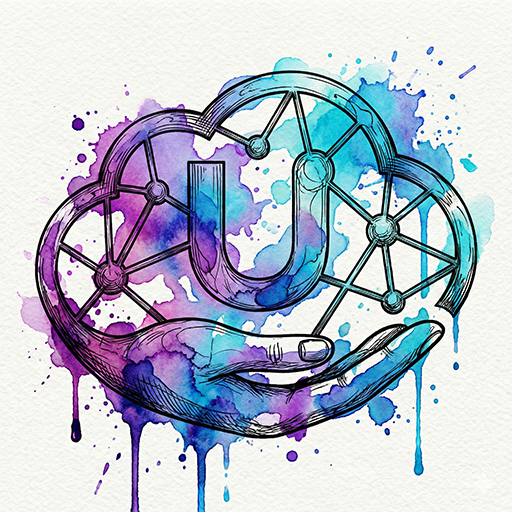

prompet
mixed-media illustration style, intricate lineart combined with vibrant watercolor splashes and ink drips, organic fluid flow, highly detailed, expressive liquid effects, splatters
Instructions
How to Use the Watercolor Splatter Effect Prompt
You can apply this effect in two different ways to transform your images into vibrant, expressive artistic works:
1) Combine It with a Text Prompt (Text-to-Image)
Write your main subject (for example, “a woman’s face” or “a lion”), then add the following effect keywords at the end of the description:
... with watercolor splatter effect, fluid paint splashes, organic watercolor textures, expressive artistic style.
This approach gives the image:
Spontaneous watercolor splatters
A fluid, organic feel
A handcrafted artistic look rich in detail
2) Apply It to an Existing Image (Image-to-Image)
Upload your own image to the platform you’re using, then add the effect keywords (Prompt Modifiers) in the description field. This guides the AI to reinterpret the image in a watercolor splatter style while preserving the original features and adding a soft artistic touch.
Where Can You Use It?
Midjourney
Best for high-quality artistic results with rich, detailed visuals.
Leonardo.ai
Offers excellent control over Image-to-Image workflows and the intensity of color splatter effects.
DALL-E 3 (via ChatGPT)
Very easy to use—simply ask to add the “Watercolor Splatter Effect” to your image.
Adobe Firefly
Ideal for applying the effect to specific parts of an image with precise control.