Image Gallery
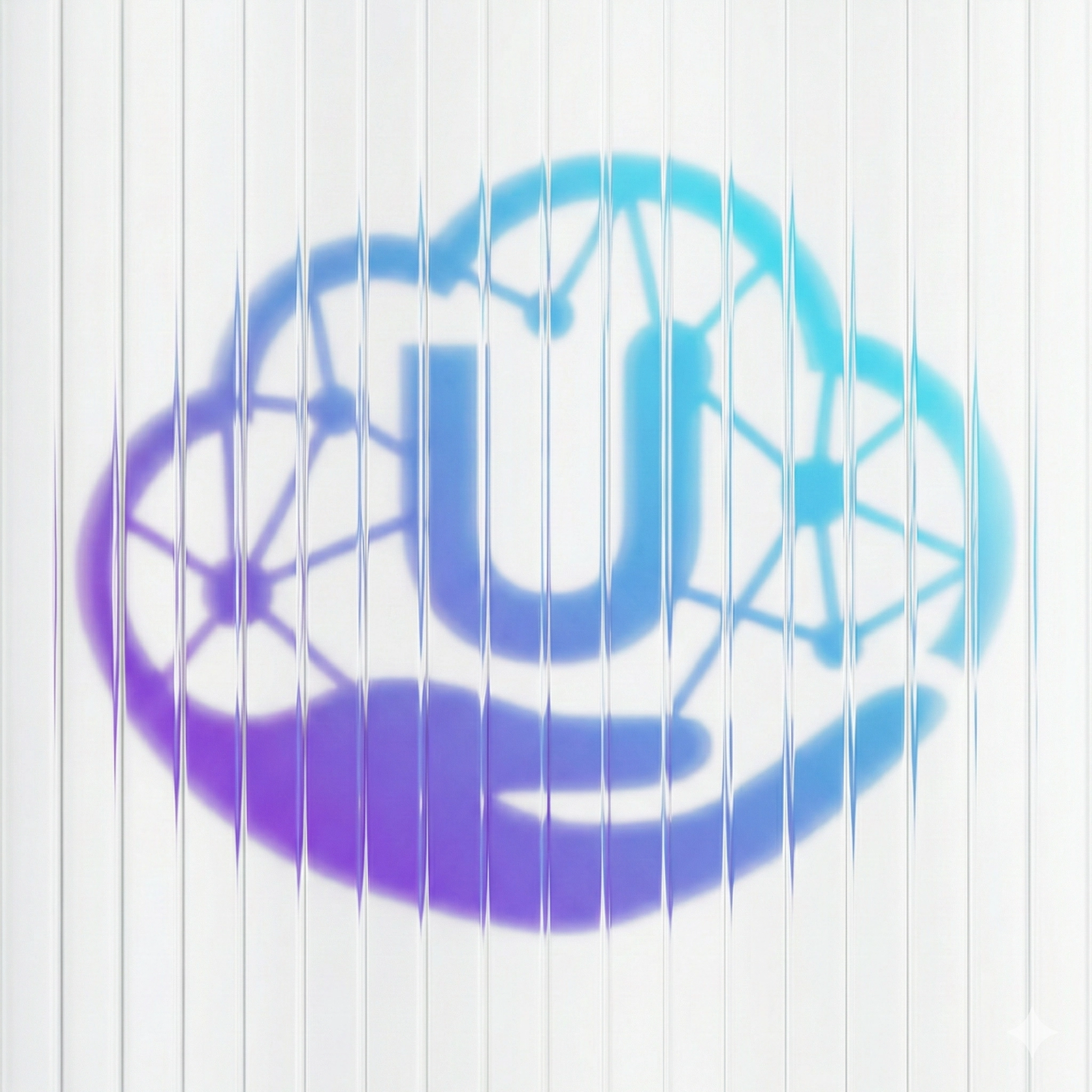

prompet
vertical ribbed glass distortion effect, fine vertical slices, optical glass refraction, subtle vertical displacement, soft diffusion, minimal glitch, cinematic distortion, smooth gradients, ethereal blur, high-end editorial art style, abstract portrait distortion, clean background, no color noise
Instructions
How to Use the Vertical Ribbed Glass Distortion Effect – Prompt
You can apply this effect in two different ways to transform your images into elegant, abstract artworks:
1) Combine It with a Text Description (Text-to-Image)
Start by writing the main subject of your image (for example:
“woman’s portrait”, “calm male face”, or “artistic statue”),
then add the following effect keywords at the end of your prompt:
... with vertical ribbed glass distortion effect, fine vertical slices, optical glass refraction, soft diffusion, clean abstract look.
2) Apply It to an Existing Image (Image-to-Image)
Upload your own image to the platform you are using.
In the prompt or prompt modifiers field, add the following effect keywords.
The AI will redraw the image with a smooth vertical glass distortion style.
vertical ribbed glass distortion, optical refraction, subtle vertical displacement, smooth glass blur
Where Can You Use It?
Midjourney: Best for achieving high-end cinematic and editorial results.
Leonardo.ai: Offers excellent control for Image-to-Image workflows.
DALL·E 3 (via ChatGPT): Very easy—just ask to apply
“Vertical Ribbed Glass Distortion Effect” to your image.
Adobe Firefly: Ideal for applying the effect to specific parts of an image.