Image Gallery
prompet
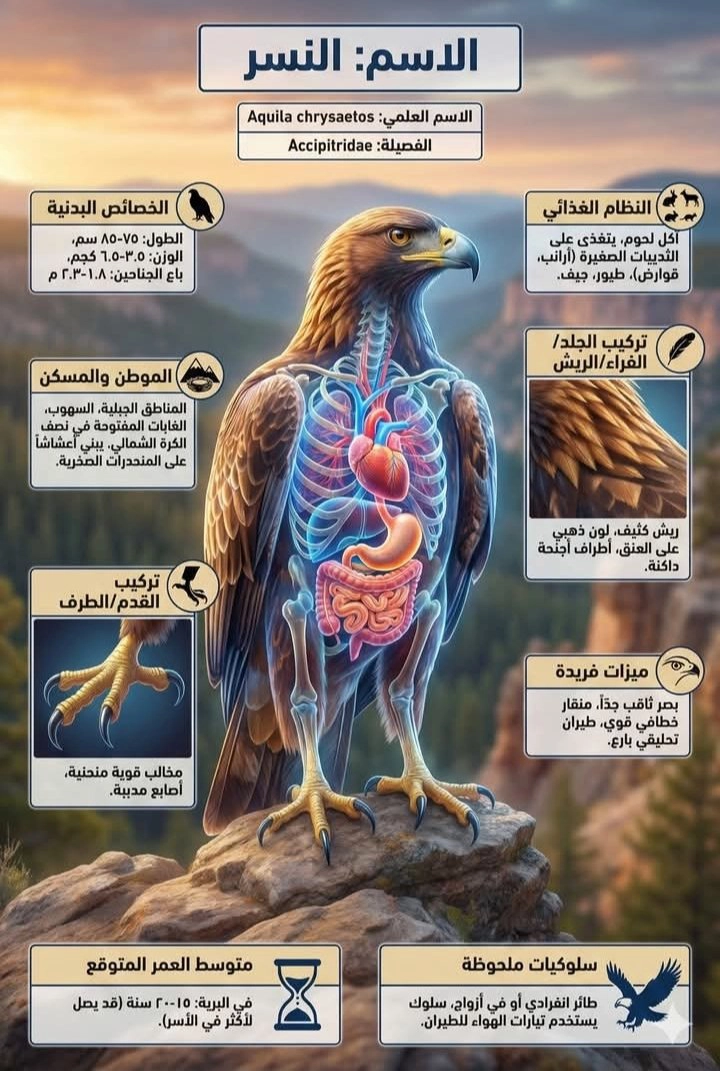
A tall, vertical scientific infographic illustrating the anatomy and characteristics of [organism name here]. The central figure is a translucent, high-definition render of the creature standing in its natural habitat, with its internal skeletal and organ systems (heart, lungs, digestive tract, etc.) glowing in detailed blue, red, and orange colors. All text is strictly in English. The main title box at the top reads "Name: [organism name here]". Below it, the AI automatically completes the following based on the input name: "Scientific Name: (AI fills accurate scientific name here)" and "Family: (AI fills accurate family name here)".
Surrounding panels include "Physical Characteristics" (accurate physical traits like height and weight),
"Habitat and Environment" (detailed habitat description),
"Diet" (specific diet items),
"Foot/Limb Structure" (close-up with label),
"Skin/Fur/Feather Structure" (close-up with label),
"Average Lifespan" (accurate lifespan),
"Unique Features" (unique adaptations), and
"Notable Behaviors" (accurate behavioral traits).
All data in the panels is factually accurate for the specified creature.
The background is a relevant, realistic environment.
Instructions
How to Use the "Transparent Anatomical Display Effect" Prompt to Create Scientific Infographics
This prompt is designed to generate professional scientific infographics. It integrates the realistic appearance of a subject with a transparent layer revealing glowing internal systems, automatically filling in accurate scientific data in English.
How to Use:
You can apply this effect in two ways:
1. Direct Text-to-Image Generation (The Best Method) Simply replace the subject name in the prompt (e.g., "Lion" or "Eagle"). The AI will build the entire infographic from scratch, handling the rendering of the glowing internal anatomy and researching accurate information to populate the text panels.
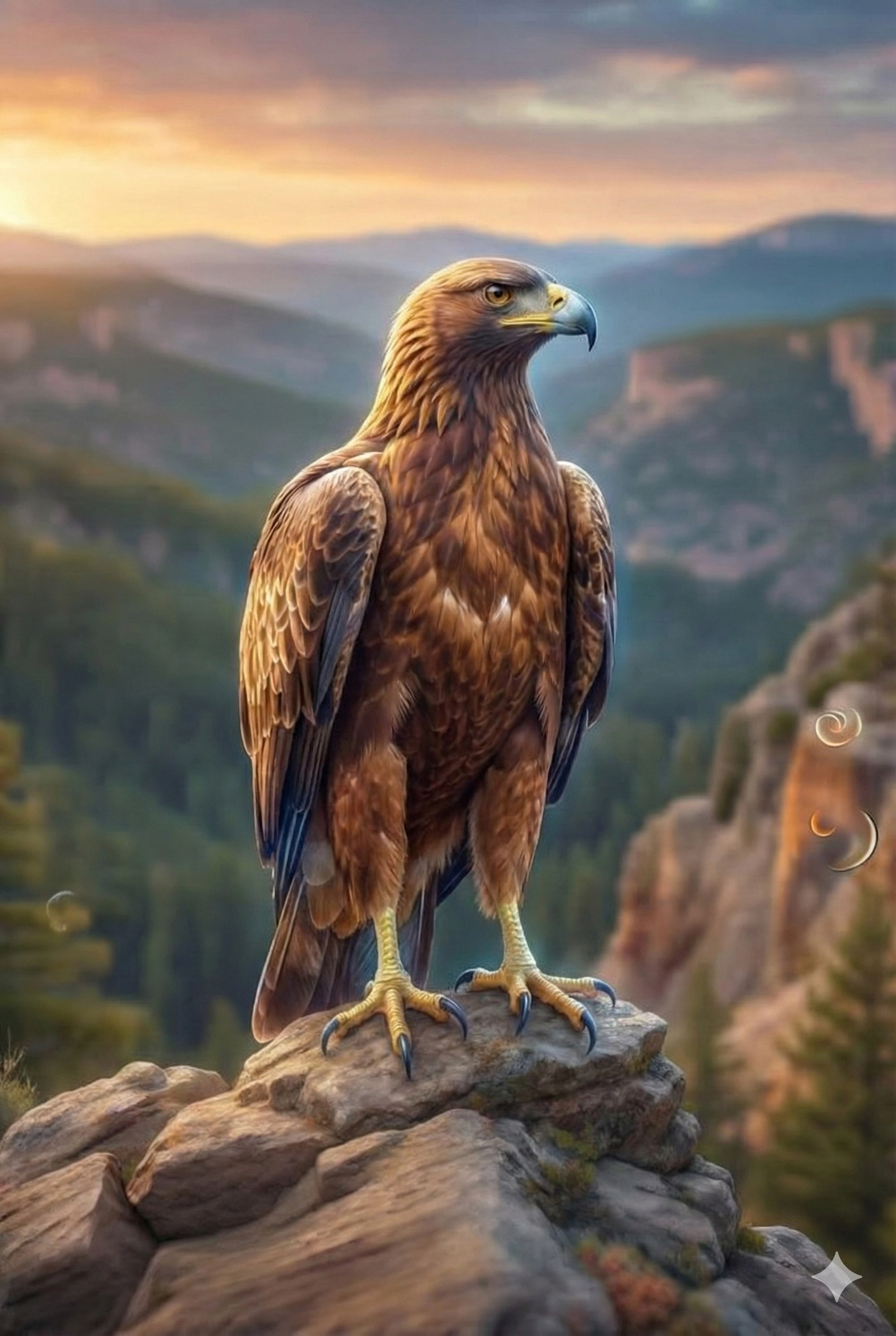
2. Applying to an Existing Image (Image-to-Image) Upload an image of a specific subject, then use the full prompt in the description field. The AI will attempt to maintain the shape of the subject in your original image while applying the transparency effect, adding the internal structure, and placing information panels around it (text accuracy may be lower with this method).
Where Can You Use It Effectively?
Since this prompt requires high accuracy in generating text and factual information, choosing the right platform is important:
DALL-E 3 (via ChatGPT): The optimal and strongest choice to ensure the accuracy of factual information and correct English text within the design.
Midjourney (Modern Versions): For stunning and very artistic visual results for anatomy (but text will often need manual editing later).
Nanobnana: An advanced Arabic platform offering precise control tools for image generation. It can be used to apply these types of complex effects with promising capabilities in understanding context.
Adobe Firefly: Excellent for obtaining clean and precise text layouts within the infographic.